Blog

  • How To Use Icons as Managers and Players in FC 26 Career Mode

    How To Use Icons as Managers and Players in FC 26 Career Mode

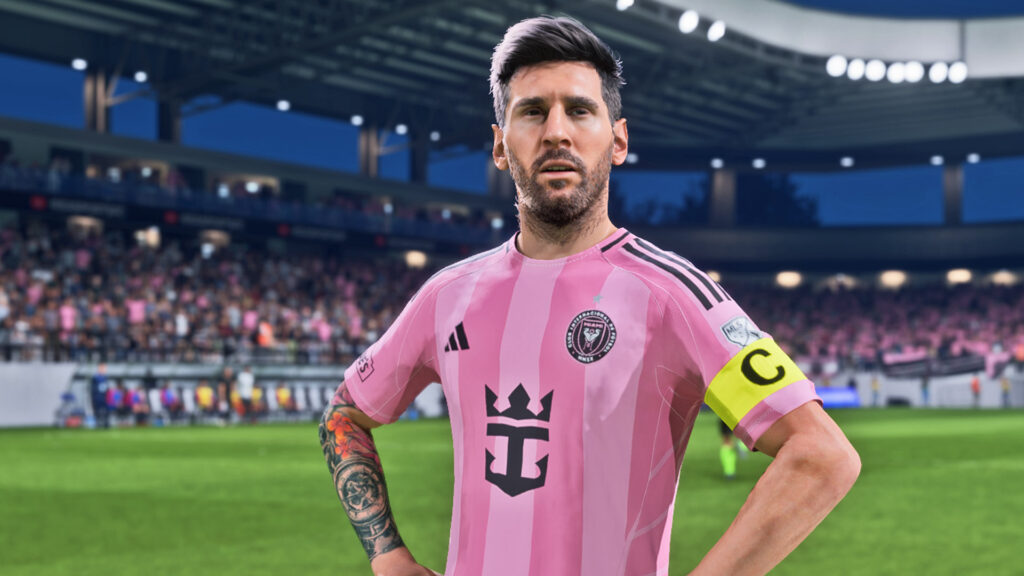
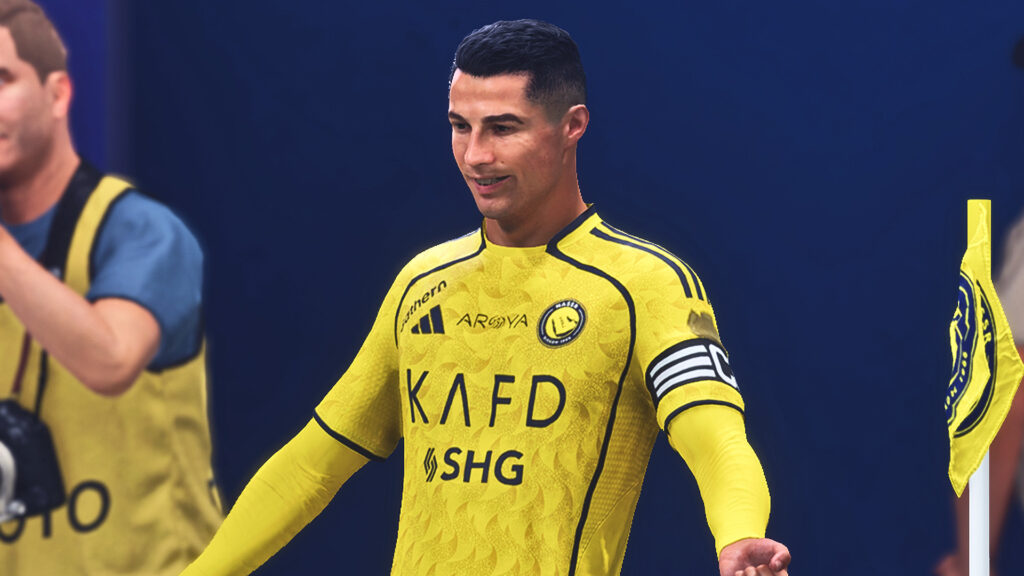
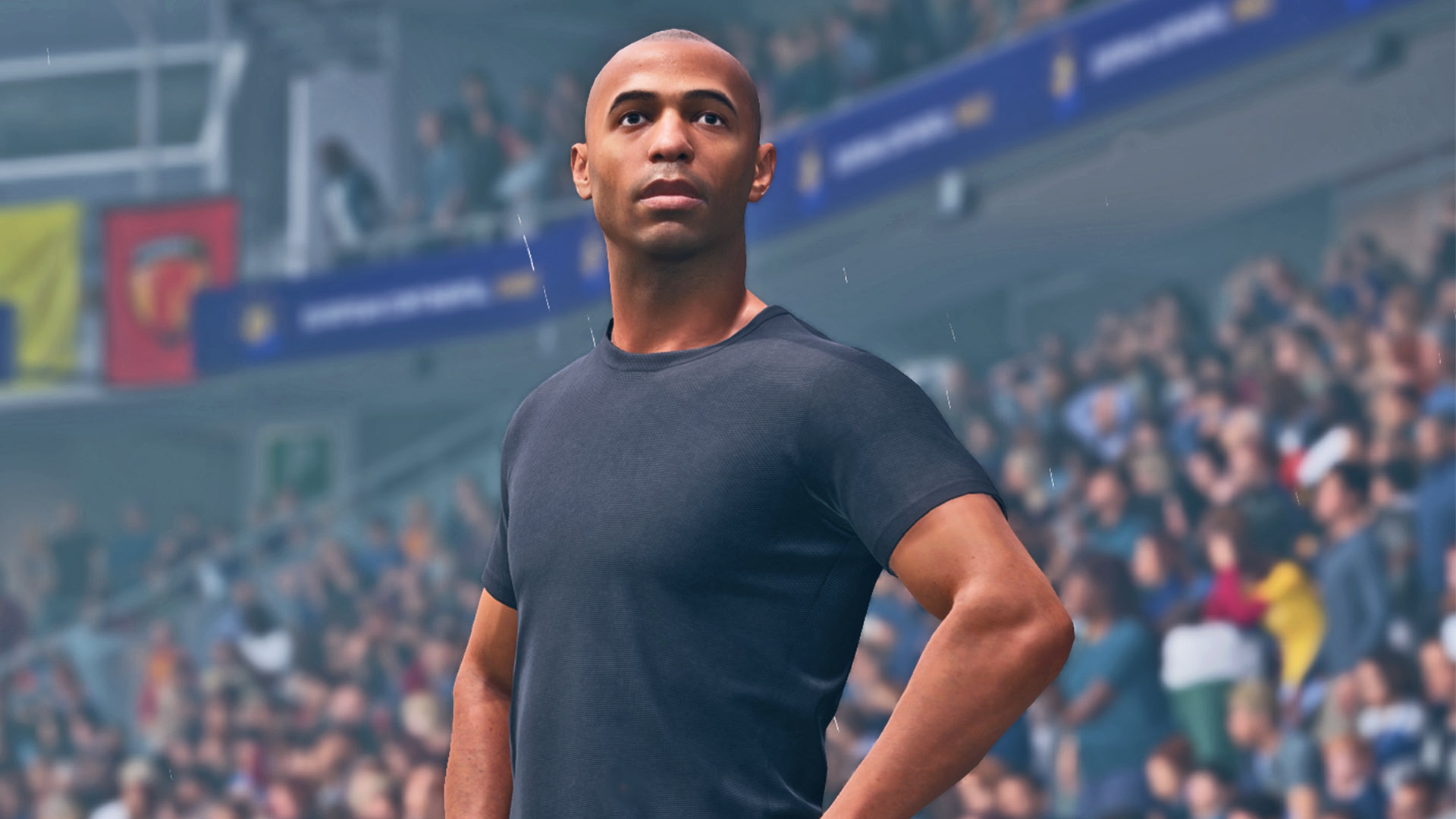
    EA recently dropped its FC 26 Holiday Update and with almost no fanfare, unexpectedly added Classic Teams featuring some of the most prominent icons the football world has ever seen. Most players already know these Icons from Ultimate Team, so there’s no need to reintroduce them.

    However, what does matter is the unexpected discovery that you can transfer these Classic Teams’ Icons directly into Career Mode.

    Here’s a complete guide on how to use Classic Teams’ Icons as Managers and Players in FC 26 Career Mode. Just make sure you’ve downloaded the latest title and Squads Update for everything to work!

    How To Use Icons in Manager Career

    Follow these steps if you want to add icons to your club for a normal Manager Career save:

    • Step 1: From the main menu, go to Settings > Edit Teams > Club Transfers.
    • Step 2: Open Search > Detailed Search. Set OVR 85+ and Age 32+ to reveal Classic Teams’ icons. However, some icons may not appear using these filters, so in those cases, search for them manually by name.
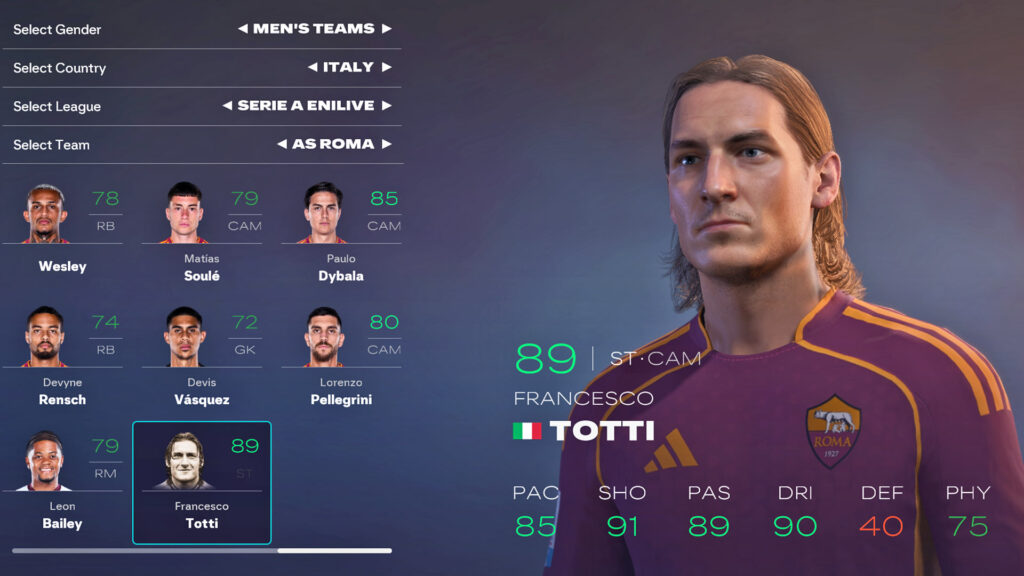
    • Step 3: Select the icon and transfer them to the team you want to use in your Manager Career. For example, move Francesco Totti to AS Roma.
    • Step 4: Start a new Manager Career and select Use Current Squads.

    Your icons will now appear in your squad like normal players. However, keep in mind that not all icons can be transferred, due to factors such as shortages in their respective Classic Team squads.

    How to Use Icons in Player Career

    If you want to play as an icon in Player Career, follow these steps:

    • Step 1: Move the icon to any team you prefer using Edit Teams > Club Transfers.
    • Step 2: Start a Player Career with Current Squads and choose Play as Real Player.
    • Step 3: Go to the team you placed the icon in and select them from the list. Again, if you can’t find the player, search by name as some icons don’t appear under filters.

    How to Retire and Use Icons as Your Manager

    If you want to begin a Player Career as an Icon and eventually turn them into a manager, here’s how to do it:

    • Step 1: Follow the same transfer setup as above by going to Settings > Edit Teams > Club Transfers.
    • Step 2: Transfer your chosen icon to any club you prefer.
    • Step 3: Start a Player Career with Current Squads and choose Play as Real Player.
    • Step 4: In Player Career menu, Go to My Pro > My Career and select Retire
    • Step 5: After retirement, you can choose to continue as a manager by selecting an available job offer

    Classic Teams arrived in FC 26 unexpectedly, but the ability to bring their icons into your saves gives you a fresh way to personalize your Career Mode experience. It can shake up the Manager Market and make it exciting to see whether these legends can guide the new wonderkids on the block to stardom.

  • How to Find the Best Youth Academy Players in FC 26 Career Mode

    How to Find the Best Youth Academy Players in FC 26 Career Mode

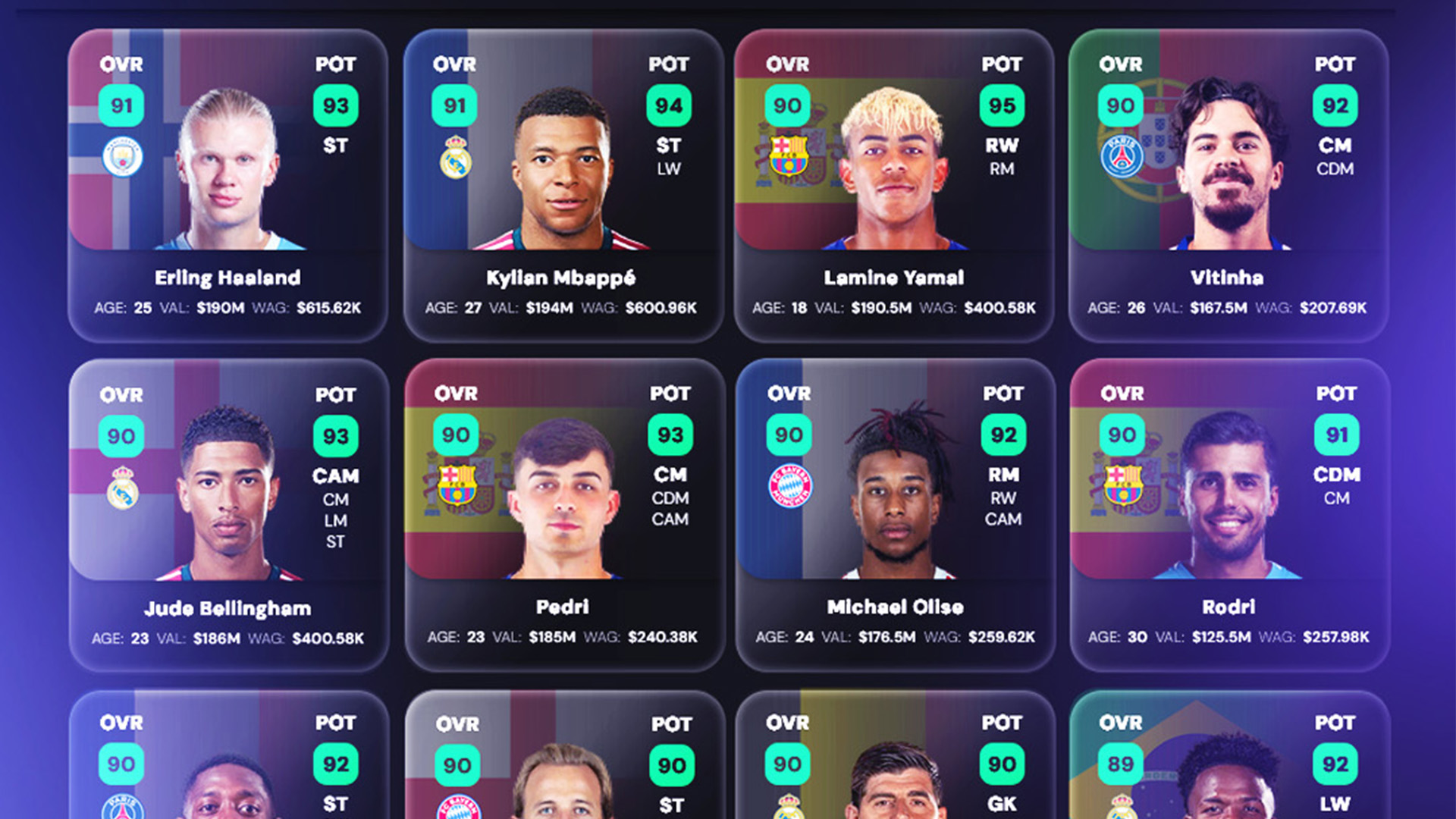
    The youth academy is the heart of every football club. But discovering the next Kylian Mbappé or Lamine Yamal? That’s often easier said than done and finding the best youth players in FC 26 Career Mode is no different. You need the right tools at your fingertips and of course, a little bit of luck.

    There’s just something truly magical about promoting a young prospect from your academy and watching him grow over a few seasons into a Ballon d’Or winner or selling him for a record-breaking transfer fee.

    Here are some tips and tricks to help you unearth the best talent and turn your youth academy into a factory of future stars.

    1. Choose Instant Scouting Speed in Pre-Settings

    Before you even load into Career Mode, make sure the scouting speed for both Star and General Players is set to Instant in the pre-settings. This setting lets you see a player’s overall, potential and market value right away in scout reports. That information is gold because a player’s value often gives you a clear hint about how good they already are and how good they can become.

    The higher the value, the higher the potential. It’s a simple step, but it saves time and can give you an early edge, especially if you manage to spot a hidden gem in your very first scout report.
    2. Hire the Best Scouts

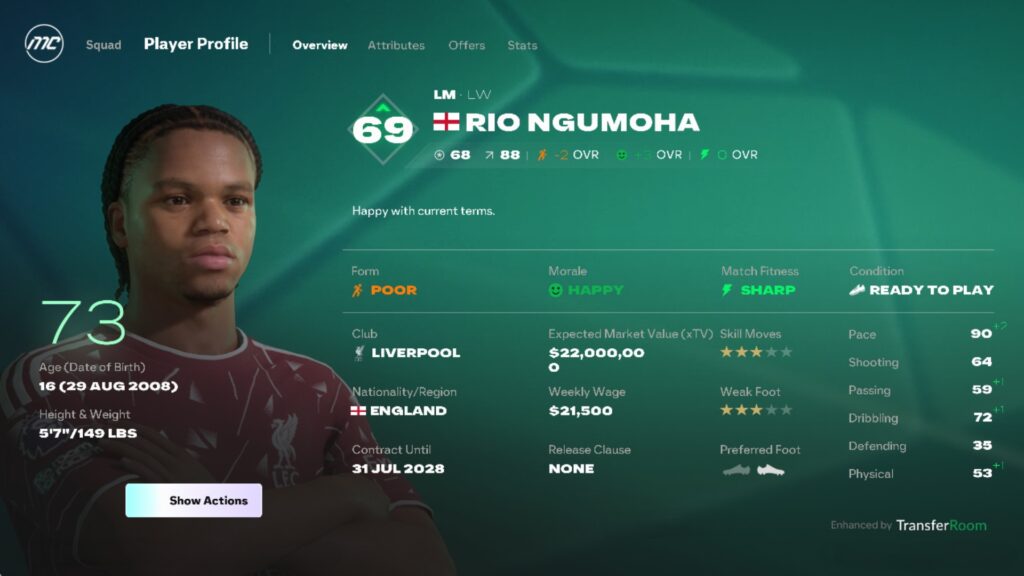
    Good scouts can make or break your youth academy. A scout’s judgment affects the quality of players they discover and how closely they follow your scouting instructions, while experience determines how many players they bring back. Higher ratings in both mean a better chance of finding top-tier, high-potential talent. Ideally, you want all three of your scouts to have 5-star judgment and 5-star experience.

    These top-tier scouts are far more likely to uncover future stars. The downside? They’re expensive. Make sure your budget can handle it or use the financial takeover option in pre-settings to give yourself the funds to hire them. You can even take advantage of the hire-and-fire trick early in your save to secure the best scouts as soon as possible.

    3. Scout One Position at a Time

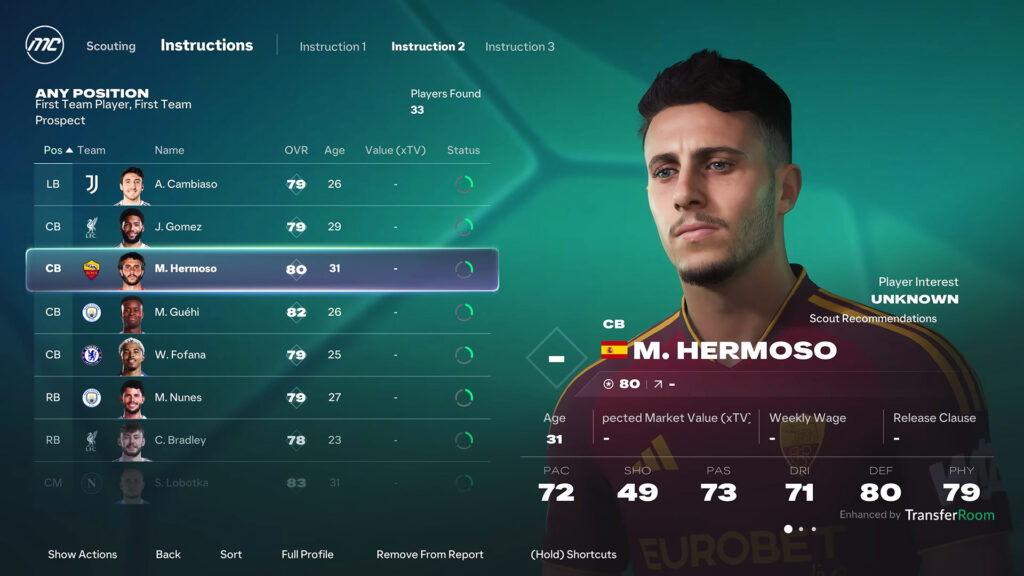
    When setting up your scouting instructions, focus on a single position and also avoid specifying FCIQ roles. Targeting one position like GK, CB or ST makes it much easier for your scouts to find high-quality players in that specific position. If you try to scout multiple positions at once, your scout will look for a player who matches all of those positions simultaneously, for example, CB, ST and CM which is extremely rare.

    As a result, your scout often comes back empty-handed. The same applies to FCIQ roles: if you specify them, scouts may overlook high-potential players who don’t perfectly match your instructions. For this reason, when scouting, always focus on potential, you can always assign your preferred roles or additional positions later through development plans.

    4. Send Scouts to the Top 9 Nations

    Where you send your scouts matters just as much as who your scouts are. Certain countries are historically known for producing top-tier youth players. While good players can come from anywhere, sending scouts to these footballing hotbeds usually increases your chances of finding top talent.

    Top 9 recommended nations to scout:

    • Brazil
    • Argentina
    • Spain
    • Germany
    • France
    • England
    • Italy
    • Netherlands
    • Portugal

    These nations have a rich football culture and the game tends to reflect that in how many high-potential players they generate.

    5. Use the Save and Reload Method

    This step isn’t mandatory, but it’s a handy trick if you want to get the most out of your youth academy. Before your scout report comes in, make a manual save a day or two earlier. If the results aren’t impressive, simply reload the save and try again, the player pool will change each time.

    Although it’s not the most realistic approach, it’s a great way to increase your chances of discovering special talents, especially early in your Career Mode save.

    Building your youth academy is all about smart scouting and strategic planning. By setting up instant scouting, hiring top scouts, focusing on one position at a time and using tools like the save-and-reload method, you give yourself the best chance to unearth the next Kylian Mbappe for your Career Mode team.

  • The Best Global Transfer Network Instructions in FC 26 Career Mode

    The Best Global Transfer Network Instructions in FC 26 Career Mode

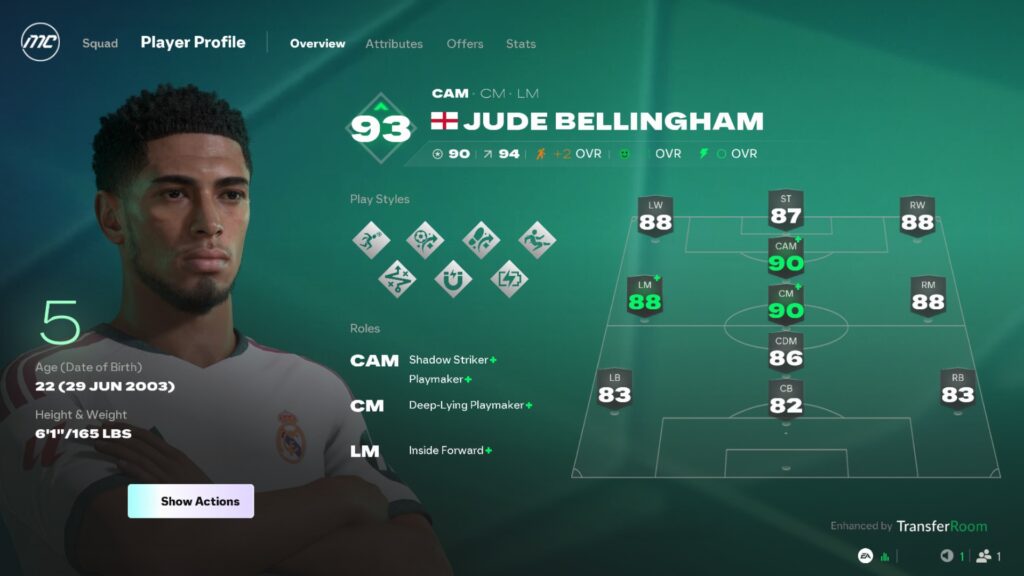
    In the real world of football, scouting is everything. Clubs spend millions sending scouts to every corner of the world, searching for the next Messi, Bellingham or Haaland before they become household names. In FC 26 Career Mode, the Global Transfer Network (GTN) lets you hire scouts to do the same for your team, uncovering hidden gems, future stars and overlooked veterans who can transform your squad overnight.

    In this guide, we’ll show you the best scout instructions to help you discover the next superstar for your Career Mode team.

    1. Next-Gen Wonderkids

    Best for finding: High-potential Wonderkids, Pregens and Regens

    Young talent is the lifeblood of any Career Mode save. Scouting players aged under 21 can uncover future stars before the rest of the world notices them. These players may start small, but with the right guidance, they can become big stars in any team for years. Scouting in Asia, North and South America can also uncover hidden gems that most players never even consider.

    2. Pre-Contract Deals

    Best for finding: Players whose contracts expire within 6 months, Free Agents

    Money isn’t everything, especially when some of the best players are available for free. By scouting players with six months left on their contracts, you can swoop in and sign top-tier talent without paying a transfer fee.

    This instruction is also perfect for picking up free agents or stars who aren’t getting a contract renewal. Just remember, only players at least 23 years old or older can be signed on this pre-contract. It’s a smart way to add quality to your team without breaking the bank.
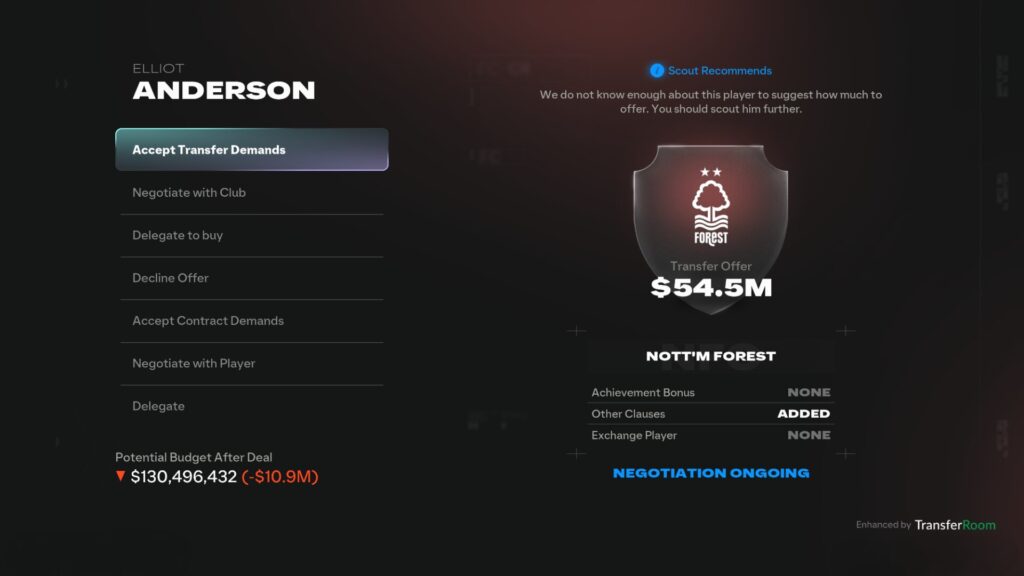
    3. In Their Prime

    Best for finding: Established world-class players

    Sometimes you don’t want potential, you want Optimus Prime. Scouting for peak performers is all about finding players who can step in and make an impact immediately. These are the stars with top attributes, trophies and experience to change your squad from day one. Focusing on world-class players aged 16-28 means they’re at their best, old enough to be consistent, but young enough to give you several seasons of top-level football before they start to decline.

    With the right scouts and the right instructions, your journey to discovering and making legends starts now.

  • Best Settings for FC 26 Career Mode – The Complete Guide

    Best Settings for FC 26 Career Mode – The Complete Guide

    Let’s be honest, how you set up your Career Mode can make or break the entire experience. Too easy and it gets boring by Christmas. Too unrealistic and it stops feeling like football. But when you get the settings just right, that’s when your save turns into something special — the kind of journey where you grow a club from underdogs to world-beaters, build legends, and live out football dreams.
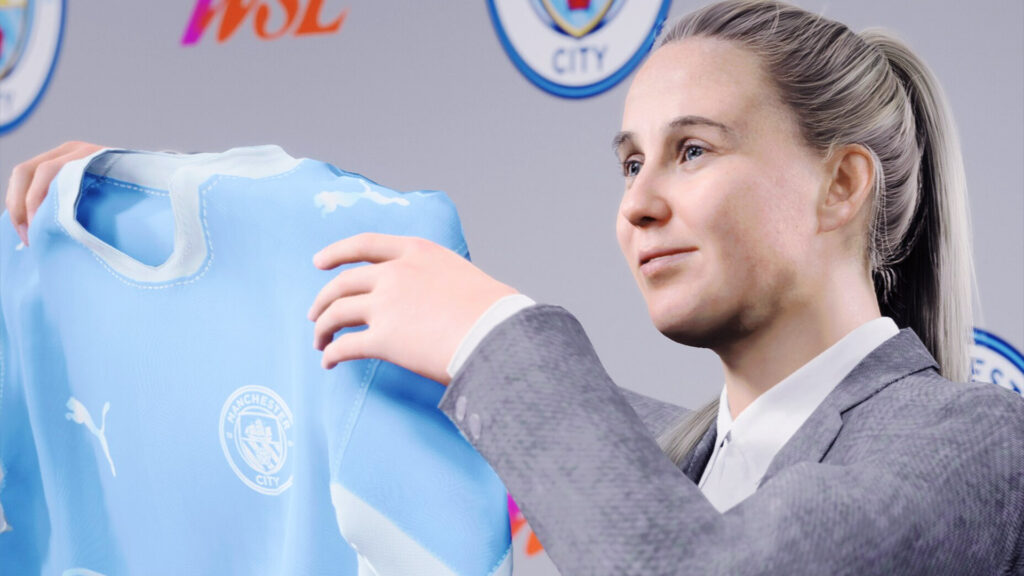
    With that said, these are the best FC 26 Career Mode settings to give you that perfect balance of challenge, immersion, and fun from the first day in the office.

    1. Match Settings

    Half Length:
    Stick to 4-minute halves. It’s the sweet spot — short enough to keep matches fast and exciting, but long enough to actually play good football.

    Difficulty Level:
    Always go for the highest difficulty you can handle, ideally Legendary or Ultimate. This is where the AI actually plays smart, punishes mistakes, and makes every goal feel earned. It’s not just harder — it’s more immersive.

    Youth Match Length:
    Set this to 3 minutes. Rush matches are quick and often repetitive, so short halves make them snappier and more fun. It also forces you to make the most out of every chance.

    Youth Player Quality:
    Select Current Overall. Playing every youth player at full potential is unrealistic, because not every wonderkid becomes a superstar. This way, your academy players’ development feels more uncertain and rewarding as you wonder: will they actually make it?

    Match Restart:
    Turn this OFF. No do-overs. When you know every mistake matters, the game becomes ten times more intense and every win feels real.

    Manager in FC 26 Career Mode
    Manager in FC 26 Career Mode

    2. Game Type Settings

    Gameplay Type:
    Go with Custom. The default presets, Authentic and Competitive, tend to swing too far in either direction — one can feel sluggish, while the other is lightning fast and chaotic.

    With Custom, you get the best of both worlds. Keep most of the Authentic sliders but set Speed and Acceleration for both User and AI to 50/50. This creates a smooth, balanced gameplay tempo that feels realistic and competitive without turning every match into a track meet.

    Authentic Features:
    Keep this ON. These subtle touches like realistic animations and match flow make a big difference in how natural the game feels.

    Weather Effects:
    Turn Wind Effects ON and set Weather Effects to Low. This adds variety to matchdays — sometimes a breezy day might affect passes or shots, but without being so extreme that it becomes annoying. It’s a small tweak that adds realism and immersion to your Career Mode.

    3. CPU Sliders

    AI Behaviour:
    Set this to Tactical. The more you play, the better the AI gets at reading your patterns, which makes every match feel less scripted and more like you’re going up against a real opponent. It’s a subtle change that makes a huge difference in long-term Career Mode saves.

    Training menu in FC 26 Career Mode
    Training menu in FC 26 Career Mode

    4. Training

    • Training Plans: On
    • Training Plan Recovery Rate: Default
    • Training Plan Availability: Manual + Automatic
    • Playing Training Drills: Off
    • Development Rate Seniors: Slow
    • Development Rate Youth: Slow

    These settings keep you involved in training without it turning into a chore. Keeping development rates slow ensures players don’t become overpowered too fast. Instead, it rewards consistent on-pitch performance — players in good form will see the most growth, while those performing poorly or sitting in the reserves will see their development stall.

    5. Squad Settings

    Before diving into your save, do a bit of background research on your chosen club. Check which players are injured or suspended in real life and then replicate that situation in your Career Mode.

    For example, right now Arsenal’s Gabriel Jesus is sidelined with a cruciate ligament tear and isn’t expected back until 2026. Applying this injury to your save forces you to adapt your tactics and squad depth just like the real manager would.

    6. Transfers and Scouting

    • Transfers: Disabled
    • Negotiation Realism: Default
    • Transfer Approaches: Strict
    • Scouting: On
    • Search Players: On
    • Scouting Speed Star Players: Instant
    • Scouting Speed General Players: Normal

    Signing players is one of the most exciting parts of Career Mode, but if you want a realistic first season, it’s best to disable transfers in the opening window. This allows you to fully work with the real-life squad your club started with, instead of rebuilding everything from Day 1.

    Disabling transfers also prevents the AI from making unrealistic signings early on, keeping the football world believable and competitive.

    For scouting, setting Instant for star players makes sense. Have you ever heard of Kylian Mbappé? Exactly. Their reputations are already well known. Meanwhile, keeping Normal speed for general players means you’ll need time to properly scout and discover hidden gems, just like real clubs do.

    To make the transfer market and managing your club finances feel even more authentic and strategic, implement these
    Real-World Transfer Market Economics.

    Eddie Howe in FC 26 Manager Mode
    Eddie Howe in FC 26 Manager Mode

    7. General Settings

    Board Expectations:
    Set this to Strict. No manager in the world is ever truly comfortable in their role — and yours shouldn’t be either. Strict expectations push you to work harder to achieve results, but without being overly punishing.

    Manager Market:
    Turn this On, with Realism set to Tough. This means you’ll need to prove yourself before landing better jobs, making each career move feel earned.

    European Competitions:
    Enable only if your club qualified in real life. This keeps your save grounded in reality and ensures that continental competitions feel like a reward for your hard work, rather than an automatic inclusion.

    Deeper Simulation:
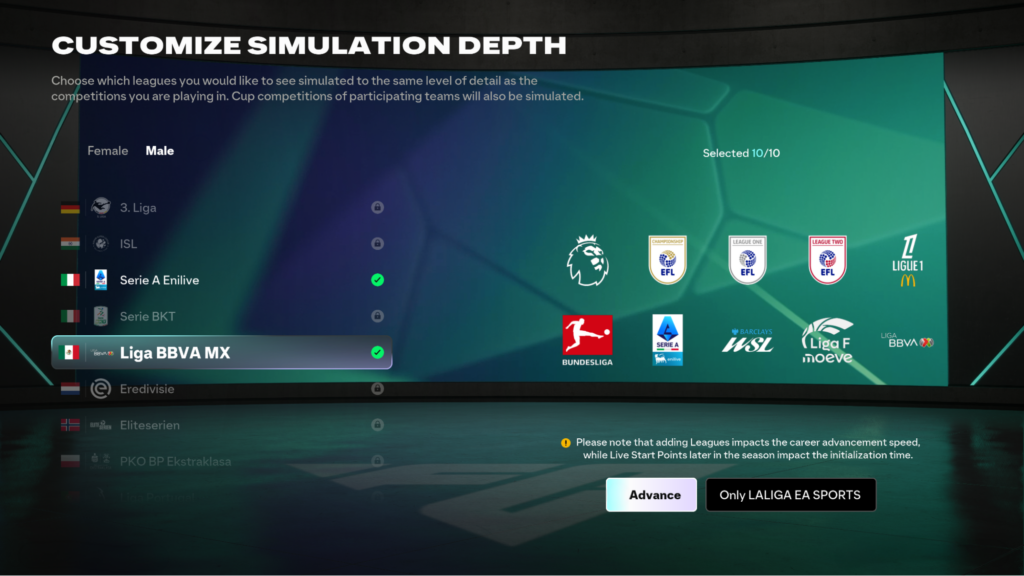
    Turn this On. Deeper simulation provides more detailed stats on other leagues, which is especially useful if you plan to send players out on loan. Selecting leagues you follow also allows you to track progress and scout players more realistically.

    Unexpected Events:
    Turn this On with the frequency set to High. On Low or Medium, unexpected events rarely happen. High strikes the perfect balance — it’s not overwhelming and it adds surprises that make your season feel alive and unpredictable.

    By following these recommended settings, you’ll challenge yourself, reward smart decisions, and enjoy the thrill of building a club from scratch or leading a top team to glory. Every match, every transfer, and every youth prospect will feel meaningful — just like real football.

  • EA FC 26 Career Mode – What’s New vs FC 25

    EA FC 26 Career Mode – What’s New vs FC 25

    With the release of EA Sports FC 26 set for September 26, players are eager to see what has changed in Career Mode compared to last year’s edition. EA has worked on multiple updates, big and small, that aim to make the mode more realistic and enjoyable.

    From structural changes in the Argentinian League to deeper simulation tools, new customization options, and more refined cutscenes, Career Mode in FC 26 is shaping up to be a richer experience. Here’s a breakdown of the main improvements over FC 25.

    1. Argentinian League Updates

    The Argentinian League was already in Career Mode for FC 25, but in FC 26 it feels much closer to real life. The new system introduces both the Apertura and Clausura championships, along with stage-based fixtures and mid-season transitions.

    This setup mirrors the real competition and adds more immersion for players managing outside of Europe. On top of that, participation in these competitions can also earn you FUT 26 coins by completing challenges and earn Season Pass points which are useful for getting in-game items and upgrading your squad.

    2. Expanded Manager Customization

    In FC 25, customization for managers was pretty basic where you could set a name, nationality, and title, but not much else.

    In FC 26, players now have the option to set their manager’s birthdate, adding more depth and personality to the career journey. This small tweak helps shape your character into a more defined figure within the game world.

    3. New Origin Stories

    FC 25 introduced the idea of “Origin Stories” such as Great Expectations, Climb to the Top, and Return to Glory.

    FC 26 builds on this by phasing out Return to Glory and introducing two fresh storylines:

    • Rising Star – lets you begin as a 17-year-old breaking into the national team.
    • Hand of Gold – designed for goalkeepers, focusing on the path from childhood passion to becoming a world-class shot-stopper.

    At IGGM.com, you’ll not only find Career Mode tips but also the option to buy FC 26 coins safely to enhance your experience. With a 4.8 Trustpilot rating and over 140,000 real reviews, many players already trust us.

    4. Deeper Simulation Tools

    One of the weak points in previous Career Modes was tracking loaned-out players, especially if they were in different leagues.

    FC 26 addresses this with the new Deeper Simulation feature. You can now select up to five leagues for closer monitoring, giving you access to historical stats, results, standout players, and more.

    5. Improved Cutscenes

    Cutscenes were a fan-favorite in FC 25, and EA has expanded them further. FC 26 adds more dynamic animations and volumetric scenes, showing your manager during warm-ups, press moments, and post-match reactions to better capture the atmosphere of matchday.

    6. More Gameplay Sliders

    Gameplay sliders allow players to fine-tune how the game feels, and FC 26 expands on this flexibility. On top of the usual sliders (goalkeeper ability, shot speed, injuries, etc.), there are now five new ones:

    • Header Shot Error
    • Header Pass Error
    • Intercept Error
    • Ball Deflection Error
    • Tackle Assistance

    These additions give you even more control over realism and difficulty.

    7. Expanded Injury System

    Injuries were fairly limited in FC 25, but FC 26 adds more variety and makes them more unpredictable. Players can now suffer a wider range of injuries tied more closely to actual match situations.

    This change means you’ll need to think strategically about rotation and depth.

    While the upgrades may not revolutionize the experience, they collectively bring more life and depth to a fan-favorite mode.

  • All Unexpected Events in FC 26 Career Mode Explained

    All Unexpected Events in FC 26 Career Mode Explained

    EA SPORTS FC 26
    is introducing a brand-new feature to Career Mode called Unexpected Events. These scenarios pop up during a save to shake things up, adding unpredictability, drama, and off-pitch storylines that managers have to deal with.

    Here’s a detailed breakdown of every event confirmed for FC 26:

    Retirements

    • Abrupt Retirement — A serious injury forces an experienced player to retire immediately; they leave the squad with no return path.
    • Young Abrupt Retirement — A devastating injury ends a young player’s career early; you must rebuild without them.

    Player Absences

    • Player Availability (Absences) — Short or medium unavailability such as Absent, Personal Leave, or Vacation, each with a stated return window.
    • Indefinite Absence — No clear return date; you’re left planning around prolonged uncertainty.
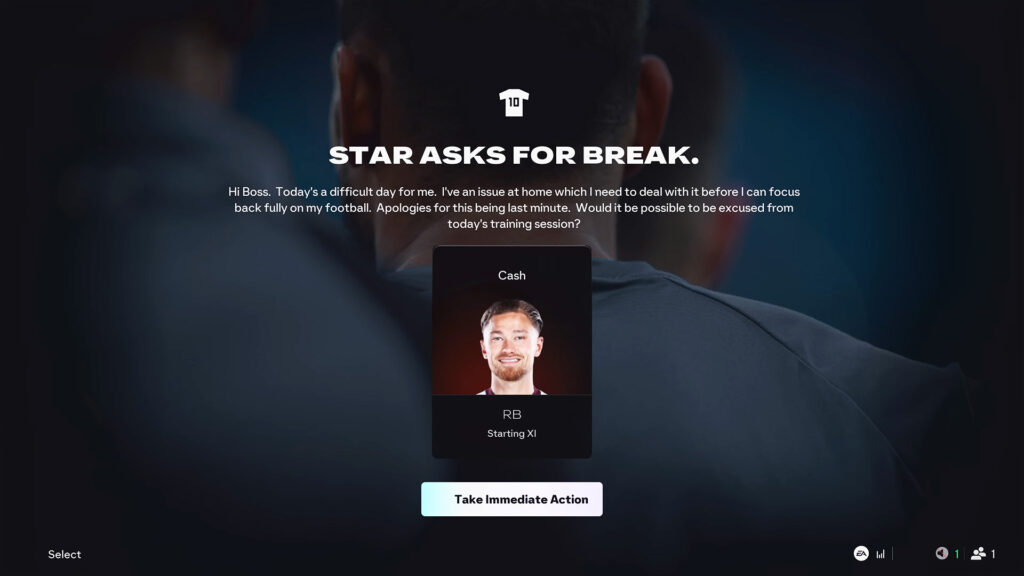
    • Leave of Absence / Urgent Family Leave — A player requests time off for personal or family reasons; you choose to grant or refuse, with morale implications.

    Bank & Budget Problems

    • Bank Dilemma — Banking restrictions temporarily block transfers or delay wages until resolved.
    • Budget Malfunction — An accounting/admin error reduces your available transfer budget mid-season.

    Board Power Plays

    • Board Overruling — The board blocks a sale or forces a transfer against your plans; job security can influence frequency.
    • Chairman Interference — Pressure to showcase specific players (shop window) or to alter tactics/lineups against your preference.

    Contracts

    • Contract Showdown — A player demands an immediate renewal; refusal risks morale drops and agitation.
    • Pay or Sell — Renew now or list for transfer; the player forces a binary decision.

    Confidence & Mentality

    • Loss of Confidence — A poor debut or bad spell triggers a sharp morale dip; careful handling is needed to recover form.
    • Overwhelmed Player — A player admits the pressure is too much; performance suffers until managed.

    Matchday Disruptions

    • Dodgy Food — Food poisoning hits before a match; multiple players can be unavailable.
    • Hotel Mayhem — Rival fans/noise/fireworks disrupt pre-match rest; the squad enters the game tired and underprepared.
    • Travel Slip Up — Transport delays fatigue the team and disrupt match prep.

    Media & Leaks

    • Tactical Breach — Your strategy leaks to media; opponents can adapt, forcing late tactical changes.
    • Wages Leaked — Full wage list goes public; dressing room tension and jealousy can rise.
    • Exit Interview — A player publicly criticizes you/the club; you must manage the fallout with fans and squad.

    Fans & Community

    • Fans to the Rescue — Supporters rally and step up financially to support the club during difficult periods through season ticket sales.
    • Hometown Boost — Local businesses, inspired by recent form, contribute additional funds to your transfer budget.

    Financial Boosts

    • Money Injection — Ownership directly tops up your transfer budget as a reward for success.
    • Sponsor Surge — Improved performances lead to better sponsorship terms and extra funds mid-season.
    • Financial Returns — Strong club finances: sales made this window return in full to your transfer budget for reinvestment.

    Ownership

    • New Ownership — A takeover changes expectations and can alter budgets and long-term direction.

    Health & Illness

    • Outbreak — Illness spreads within the squad, starting with one player and potentially affecting several.

    International Duty

    • International Injury Crisis — A key player is injured on national duty and returns unavailable.
    • International Team Injuries — Multiple players come back from call-ups carrying knocks.

    Homesick Player

    • Homesick Player — Difficulty settling in a new city/country; may seek extra support or a move closer to home.

    Training

    • Training Injury Clash — Two players collide in training and are injured; short-term depth is tested.

    Documentary Coverage

    • Inside Access — A production company films your club across the season; exposure/revenue vs added pressure.
    • Under the Spotlight — Similar coverage for your national team during an international tournament; high visibility and pressure.

    Transfer Market Rules

    • Carefree Improvements — 100% of unused transfer budget carries into next season.
    • Use It or Lose It — Any unspent funds at season end are redirected; no carryover.
    • Sell to Buy — No upfront budget provided; all signings must be funded by outgoing transfers.
    • Spending Push — The board insists you use the remaining budget before the season ends.

    Job Security

    • Results Ultimatum — The board demands specific results in the next match to keep your job.
    • Last Chance — Final warning: win immediately or face dismissal.

    With more than 35 distinct scenarios, Unexpected Events make Career Mode in FC 26 feel alive in a way it hasn’t before. Some events test your finances, others your man-management, and a few can even end your career.

    From illnesses, leaks, and retirements to sponsorship boosts and boardroom meddling, these twists force you to adapt beyond the pitch.

    For the first time in years, every save will feel a little less predictable and a lot more like real football management.

  • FC 26 Career Mode Details Revealed

    FC 26 Career Mode Details Revealed

    Career Mode has been around for decades, but it’s always been a bit of a tug-of-war between depth and fun. Some years EA adds realism, other years they push more creative features, and too often it’s felt like they’ve only scratched the surface. With FC 26, the approach is clearer: give players both.

    This year’s updates aren’t just about menus and transfers. They’re about telling stories, making clubs behave more like their real-world counterparts, and letting fans experiment with the mix of modern football and historic legends. It may not be a revolution, but it’s one of the most rounded upgrades Career Mode has had in a while.

    Storytelling and Scenarios

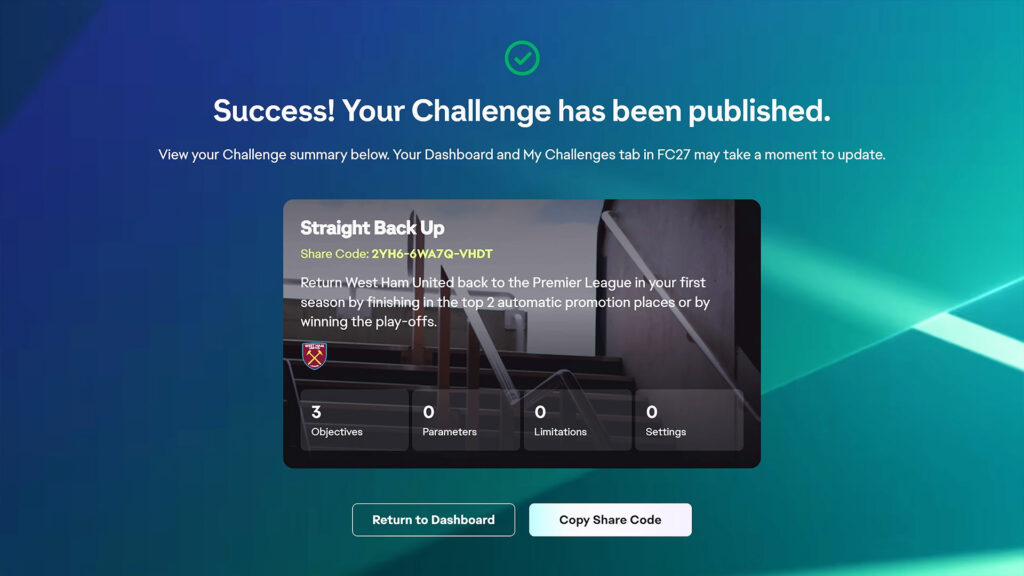
    The standout addition is Manager Live, a new hub filled with rotating scenarios that shift throughout the season. Instead of committing to a 15-year grind, you can dip into short challenges inspired by real-world events or creative “what if” setups.

    One week you might be tasked with saving a club from relegation despite a 20-point deduction, another with pushing through a Champions League run under strict tactical rules. These challenges come with unique conditions like transfer bans, age restrictions, or set formations, and finishing them earns you Season Pass progress or cosmetic unlocks.

    Tying into this is Unexpected Events, smaller twists that keep long saves from going stale. From sudden board takeovers to inconvenient injuries on international duty, the goal is to add more unpredictability so each season feels less routine.

    Together, these features shift Career Mode closer to a football “story generator” where every save carries its own narrative weight.

    Realism and Authenticity

    For years, players have asked for AI managers to move around the footballing world just like their real counterparts. In FC 26, the long-requested Manager Market finally arrives.

    Now, managers can be sacked, poached, or resign, with clubs choosing replacements based on tactical vision, reputation, and results. Assistant managers can step up temporarily and even secure the full job if they perform well. Behind the curtain, every manager has a hidden rating that rises or falls based on form and decisions, which makes the ecosystem more believable.

    Other tweaks also push Career Mode closer to realism:

    • Smarter AI lineups based on match importance.
    • Contract renewals where players drive negotiations.
    • Board objectives that focus on meaningful decisions instead of filler tasks.
    • Transfer logic that stops clubs from stockpiling five left-backs for no reason.

    These might sound small compared to flashy trailers, but they’re the kind of long-requested fixes that keep saves feeling alive years into a cycle.

    Legends and Creativity

    Not every update is about realism. FC 26 also leans into nostalgia and freedom. For the first time, ICONs and Heroes are fully usable in Manager Career Mode once unlocked.

    This means you can drop Zidane back into a Real Madrid midfield, rebuild AC Milan with Maldini at the back, or create pure fantasy squads in Create-a-Club. Up to 44 legends can be added to a team at once, though for now they won’t appear on AI rosters.

    Alongside that, retro kits, mascots, and Ultimate Team designs can be unlocked through challenges. They don’t affect gameplay, but they give clubs more personality and make saves stand out visually.

    Stats and Simulation Depth

    The other big focus this year is depth behind the scenes. FC 26 allows you to simulate up to five additional leagues alongside your main one, making the wider football world feel more connected.

    Historical stats also make a debut, tracking things like top scorers, assists, and clean sheets across two seasons. These numbers feed into scouting, transfers, and player reputation, giving more weight to actual performances rather than hidden ratings.

    Even the standings screen has been overhauled, combining league tables with fixtures and knockout brackets. Loaned players can now be tracked in those extra simulated leagues, a small but handy feature for youth development fans.

    It’s still nowhere near Football Manager levels of detail, but for EA’s series it’s a meaningful step toward authenticity.

    Other Notable Changes and Additions

    This is the fine print that power users will care about. It also covers items not mentioned above.

    Manager Live and Hub details

    • The Hub includes For You, Popular, Featured, Social, Favourites, and Completed tabs, with rotating spotlights for leagues and themes
    • Every scenario shows its parameters up front such as start date, eligible teams, transfer rules, tactical limits, and competition focus
    • You can share challenges with friends and use them to chase Season Pass rewards

    Gameplay baseline for Career

    • Authentic Gameplay is the default for Manager and Player Career
    • You can build custom sliders on top of the Authentic preset
    • Tactical Visions are less restrictive and now support roles like Box Crasher, Ball Playing Keeper, and Inverted Wingback, while Wide Midfielder has been reworked

    Manager ecosystem

    • Manager names for unlicensed coaches are editable before a save and apply globally to future saves
    • National team managers can switch to clubs and vice versa, no dual roles
    • You can set a date of birth for your created manager
    • The hidden manager rating is dynamic and strongly affects the Manager Market

    Transfers, scouting, and squad management

    • AI clubs pause recruitment when a position is saturated
    • Player potential now appears in senior and youth scouting reports
    • You can immediately loan out new signings
    • Loaned player stats are tracked if their league is among your simulated extras

    Player development and youth

    • National teams now use Training Plans, Sharpness, and Energy management
    • Youth tournaments allow mid match substitutions and have two new stadiums, with bigger clubs using upgraded versions
    • More injury types for better variety

    World structure and competitions

    • Live Start Points cover over 20 leagues for tailored starting contexts
    • The Argentinian league uses an authentic Apertura and Clausura format
    • The UEFA Women’s Champions League is updated to the new format

    Icons and Heroes caveats

    • They are added only at the start of a new save after unlocking
    • They do not appear on AI teams at launch
    • You cannot edit their ratings or traits

    Stat depth and retention

    • Historic player data is limited to the current and previous season
    • Average ratings appear in player stat screens with competition filters

    What’s Still Missing

    Not everything on player wishlists made it in. Online career remains absent. Scouting is still tied to an old system that hasn’t really changed since the FIFA 17 days. Press conferences are untouched.

    Transfers, while smarter, don’t yet include features like buy-back clauses or clubs actively bidding against each other. EA has acknowledged these limitations, with lead developers saying deeper overhauls are on the long-term roadmap rather than this year’s update.

    So while FC 26 does a lot right, it’s not a complete reinvention.

    What makes FC 26’s Career Mode stand out is how balanced it feels. Manager Live and Unexpected Events make saves less predictable. The Manager Market and hidden ratings bring long-overdue realism. And the addition of ICONs, Heroes, and retro kits gives players freedom to inject a dose of creativity or nostalgia.

    It’s not perfect, and the missing features will be noticed, but the foundation feels stronger than it has in years.

    EA Sports FC 26 launches September 26 on PS5, PS4, Xbox Series X|S, Xbox One, PC, Nintendo Switch, and Switch 2, with early access from September 19 for Ultimate Edition players.

  • CMTracker 2.0 is Here!

    CMTracker 2.0 is Here!

    After months of hard work, we’re thrilled to finally bring you CMTracker 2.0!

    It’s been a journey since we launched the platform back in April, and we’re still pushing to make it even better for Career Mode fans like you. With tons of feedback and the latest trends guiding us, we’ve practically rebuilt CMTracker from the ground up. The result? A fresh, feature-packed platform designed to take your Career Mode experience to the next level.

    What is CMTracker?

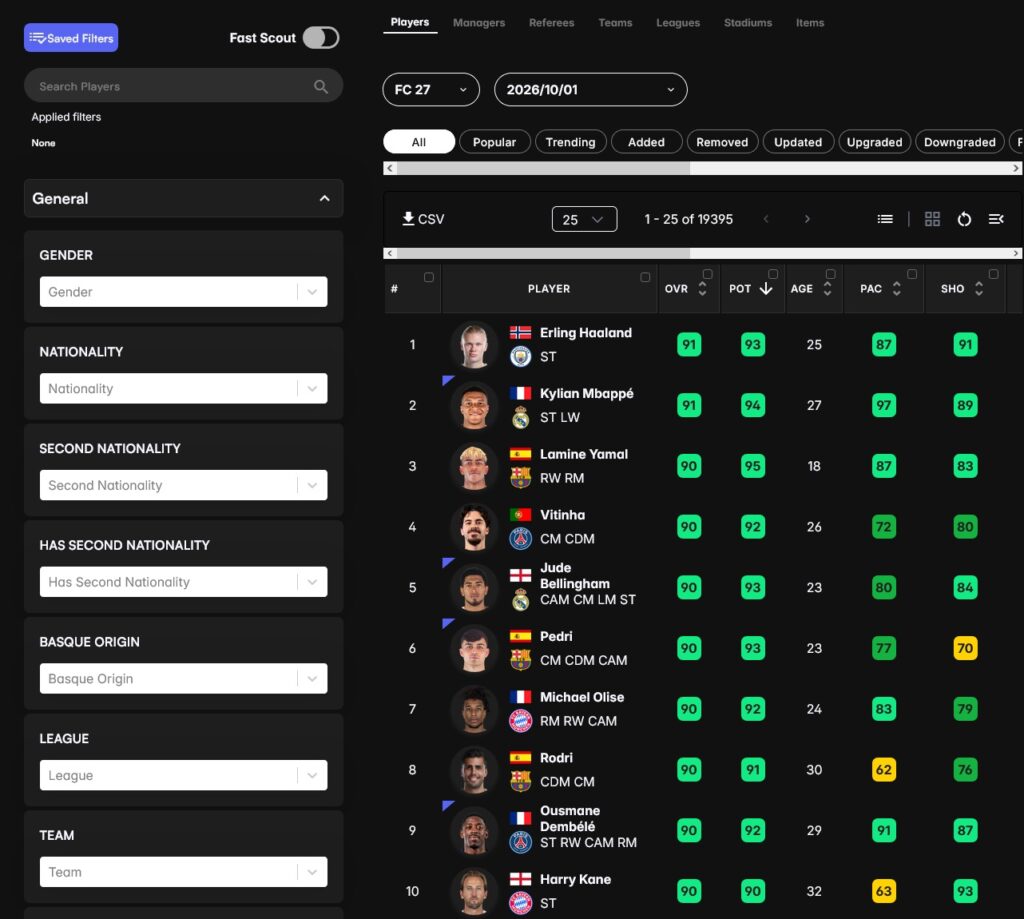
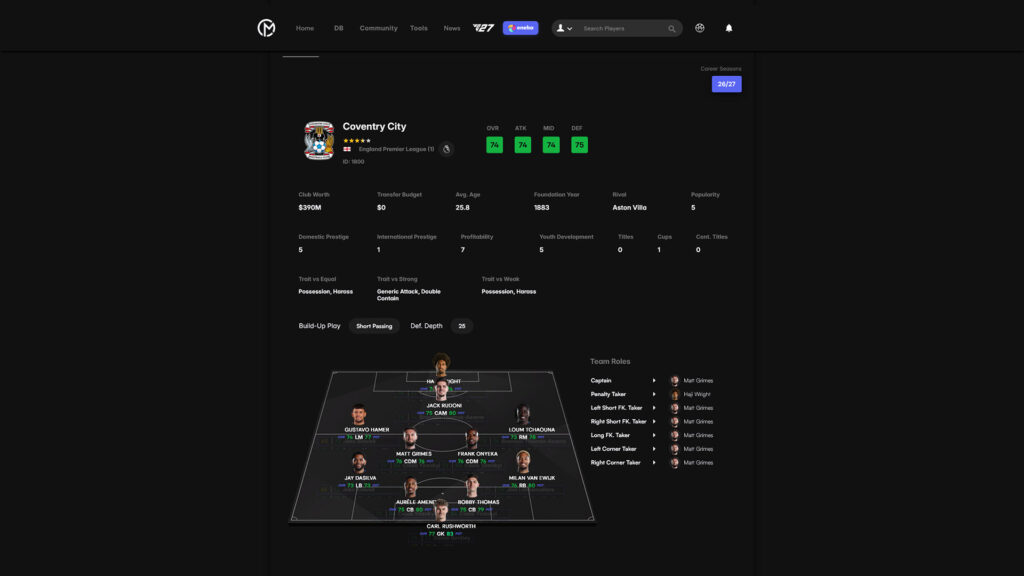
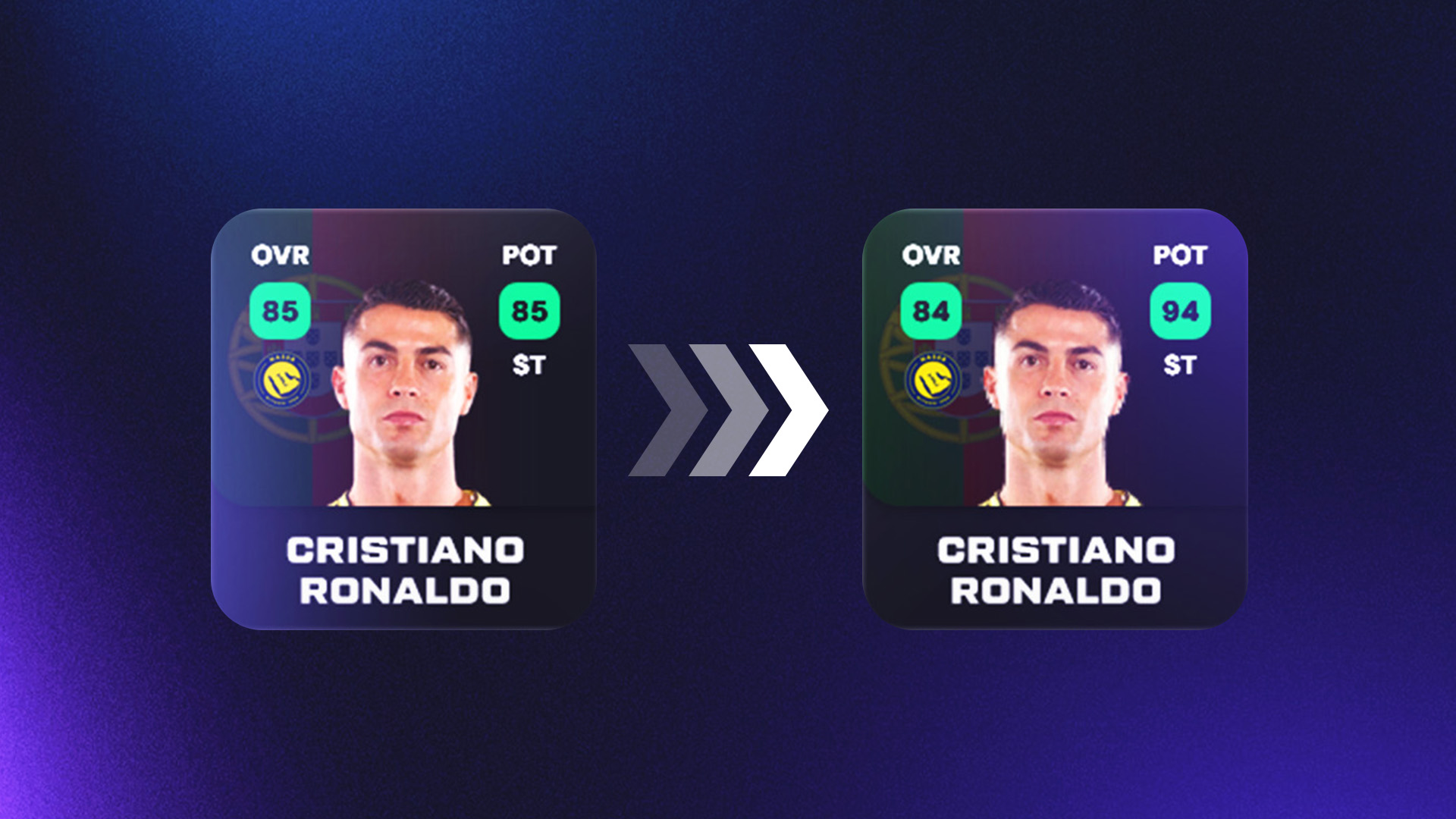
    For those who are new here, CMTracker is the ultimate web-based database and tool for EAFC/FIFA Career Mode enthusiasts. You can dive into the latest database updates, track changes, and discover what’s new in-game.

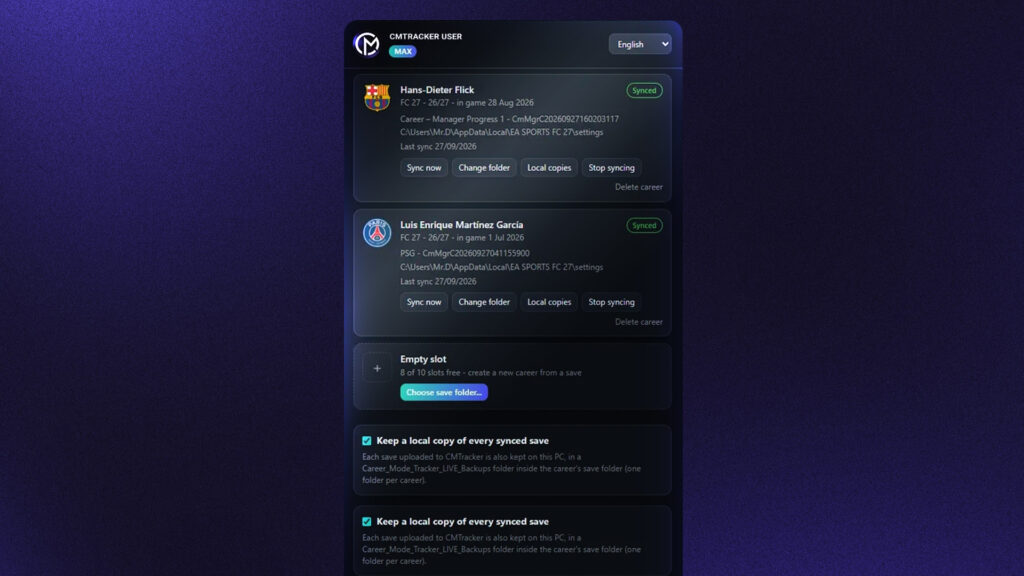
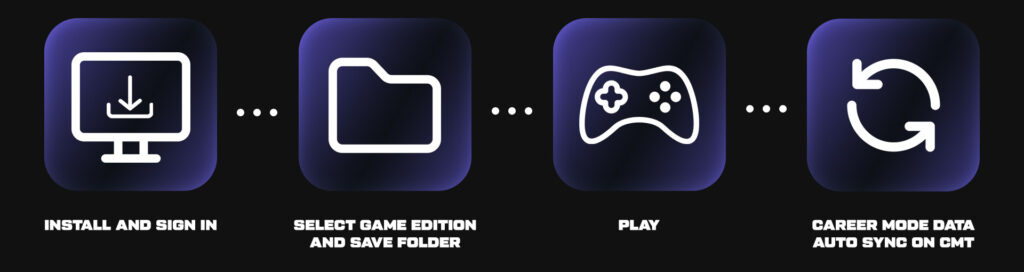
    You can even upload your Career Mode save files to our servers, where they’re analyzed to reveal all the players in your career, including regens, pregens, and other generated gems. With over 75 filters, scouting and finding the perfect players for your squad has never been easier.

    And if you want to show off your progress? You can share your career save from your profile dashboard with friends and followers using a simple link!

    What’s New in CMTracker 2.0?

    Here’s what we’ve added and improved in this release:

    • A Sleek New UI for a modern, polished look.
    • Better UX for smoother navigation.
    • Improved Mobile Experience for managing on the go.
    • Expanded Player & Team Data to cover more details than ever.
    • Stadiums Database for all the football grounds in the game.
    • Items Database with boots, gloves, and balls.
    • Player/Manager/Team Changelog to track updates.
    • Redesigned Compare Pages to analyze like a pro.
    • Like/Dislike Functionality for quick feedback.
    • No Date Needed for uploading FC 25 Career Mode saves.
    • Shortlist Feature for your saves.
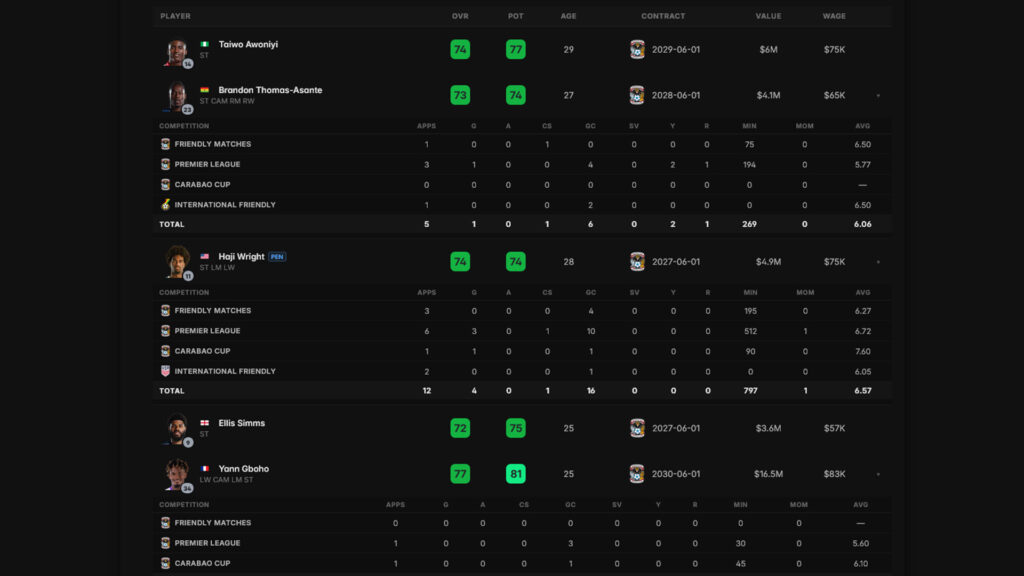
    • New Data Tracking, like minutes played and average match ratings.
    • Titles & Trophies Display on team pages for Career Mode saves.
    • Improved Filters for players, teams, and managers.
    • Predefined Filters like Wonderkids, Bargains, Popular and more.
    • Bug Fixes to keep things running smoothly.
    • Infrastructure Updates for better performance.

    What’s Next?

    We’re not stopping here. As we head into 2025, expect even more updates to expand our database and introduce new tools and features for Career Mode saves.

    Our mission? To create the Ultimate Career Mode Hub where casual and hardcore players alike can enjoy the best tools and community for their favorite game mode.

    Stay Connected!

    Follow us on X (Twitter) and Instagram to stay in the loop with our latest updates. Join the conversation (and get support) on our Discord server, where you can swap strategies and share your Career Mode stories with other managers.

    Check out our new Changelog page for all platform-related updates, and if you have any questions, feel free to reach out at contact@cmtracker.net. For feature requests or bug reports, you can also check this page.

    Thanks for being part of the CMTracker community! We can’t wait to see how you’ll use the new features.

    ~ The CMTracker Team